Help & Support Center
Watch video walkthroughs, explore remote photo capture features, review general information about selected property-division concepts, and download platform documentation.
📺 Video Guides & Feature Walkthroughs
How Remote Photo Capture Works
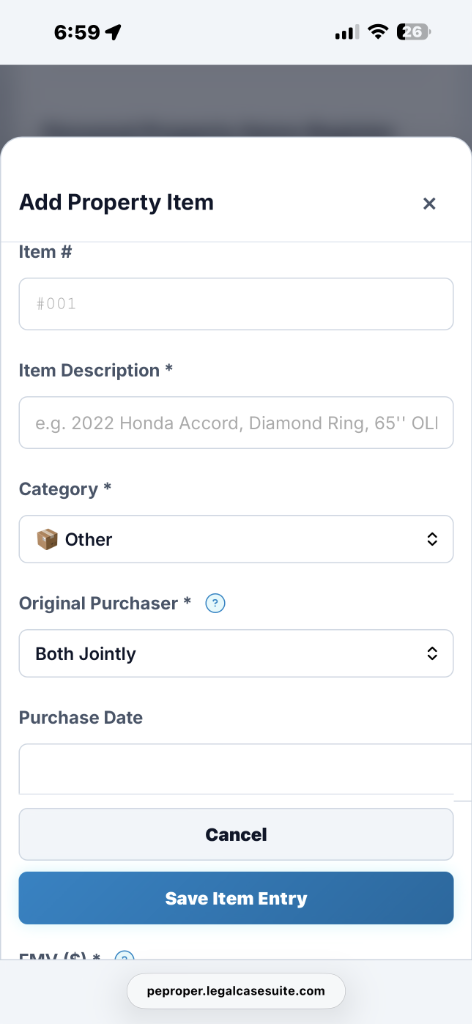
Authorized matter participants can open an assigned share link on a smartphone or tablet to capture and upload photographs during a property inventory.
📚 Platform Documentation & Presentation Files
Download CenterCurious About PE Proper? We've Got Answers.
General information about selected property-division concepts, remote mobile photo uploads, user-selected scenarios, and platform features.
Does PE Proper support all 50 US States and Territories?
PE Proper can be used to organize property information for matters in U.S. states and territories. Selecting a jurisdiction provides organizational labels and available workflow options; it does not automatically determine controlling law, apply statutory rules, or generate court-approved pleadings. Users and counsel must verify all jurisdiction-specific requirements.
What on earth is California Family Code § 2640, and why does PE Proper care so much about it?
California Family Code § 2640 generally addresses reimbursement claims for qualifying separate-property contributions to the acquisition of community property. Eligibility and calculation depend on statutory requirements, tracing, waivers, property characterization, and case-specific facts. PE Proper helps users organize contribution information and prepare draft calculations for professional review; it does not determine legal entitlement or calculate a legally binding reimbursement.
How are inter-spousal gifts (like engagement rings or anniversary watches) handled?
California law generally treats property acquired by gift as separate property, but the characterization of an inter-spousal gift can depend on the circumstances, evidence, and applicable transmutation requirements. PE Proper allows users to label an item as a gift and reflect that selected treatment in draft calculations and scenarios; it does not determine ownership, legal characterization, or the amount owed between the parties.
Can my spouse upload photos of household belongings from their phone without seeing my password?
Matter owners can create an assigned share link or QR code for an authorized participant. The recipient can use it to upload property photographs without receiving the account holder’s login credentials. Sharing permissions and access can be managed through the platform’s available controls.
What happens to photo GPS location coordinates (EXIF metadata) when taking pictures of my house?
Photographs may contain location and other metadata depending on the device, file format, and camera settings. Uploaded photographs are processed according to PE Proper’s available metadata and privacy controls. Users should review source files and confirm that privacy-sensitive information has been removed before sharing or exporting photographs.
How does the “What-If” scenario comparison feature affect my saved matter data?
The “What-If” feature allows users to compare different user-selected property allocations and see how those assumptions affect draft calculation results. Testing a scenario does not change the underlying saved matter data unless the user separately applies or saves changes through an available workflow. It is a comparison tool and does not recommend a settlement, predict a court outcome, or determine a legally correct division.
What backup and restoration options are available for matter data?
Where available, users can download an encrypted .peproper backup containing supported matter data. The contents and restoration results depend on the data included at the time of export and the compatible platform version used for restoration. Users should verify backups and maintain independent copies of important records; PE Proper does not guarantee recovery of every item, photograph, valuation, or deleted record.
What draft report and data-export formats can I generate?
PE Proper may generate draft property schedules, photo reports, and data exports in available formats such as PDF, Excel, and CSV. These outputs are working documents for professional review and are not official court forms, filed pleadings, court orders, discovery responses, or guarantees of acceptance. A licensed professional must review and adapt each export for the applicable jurisdiction, matter, and filing requirements.
Contact Support & Submit Feedback
Report a bug, suggest an app feature, or ask a support question. Subscribed members receive direct support; Team-plan support inquiries receive priority placement in the support queue during published support hours.